
A revoked credential is a digital certificate or badge that has been formally invalidated after it was issued. The credential remains visible to recipients, but it is marked as revoked, which shows it is no longer valid. This status helps prevent misuse or confusion without deleting the record entirely, so audit trails are preserved.
How Revoked Credentials Appear to Recipients
-
Email Access: If a recipient tries to open the credential email after revocation, they will not be able to access the certificate or badge.
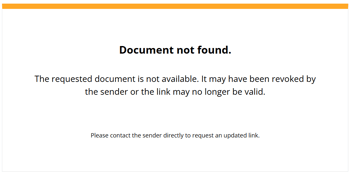
The following screen appears when recipients open the access page using the link in their email after revocation:
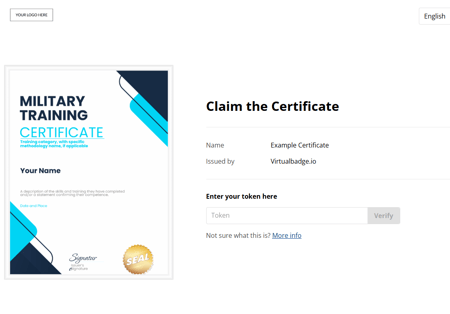
If recipients refresh the access page after the credential has been revoked (message shown above). When they enter the token number, they will see the error message shown below:

-
Validation Page: If the credential is shared on social media or accessed via the validation page link, the revoked status is displayed there too.
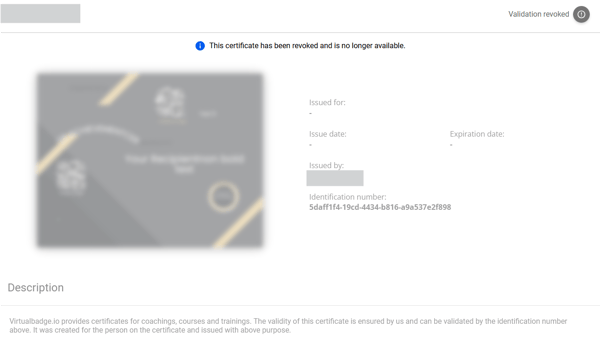
This clear marking signals to recipients that the credential is no longer active or recognised.
How to Revoke a Certificate or Badge
To revoke a credential, follow these steps:
-
Navigate to the credential or badge in your dashboard.
- Go to the Recipients tab and select the specific recipient.
-
Click the Revoke button (
 icon).
 - Once revoked, the credential status will update to show it is revoked.
When Should You Revoke a Credential? Here are some common use cases:
Revocation is preferred over deletion or editing in situations such as:
- Mistaken issuance: The credential was issued to the wrong person or contains incorrect information.
- Fraud prevention: The credential has been compromised or obtained fraudulently.
- Policy violations: The recipient no longer meets the criteria due to violations or changes in status.
- Maintaining records: You want to keep recipient information for future reference or auditing without allowing the credential to be used.
Revoking credentials keeps a clear audit trail, so you maintain transparency while marking invalid credentials clearly.